Servenzo feature page
Attendance and time records connected to the job
Capture when field workers start and finish assigned work without separating attendance from the site, contract and task they were covering.
The short answer
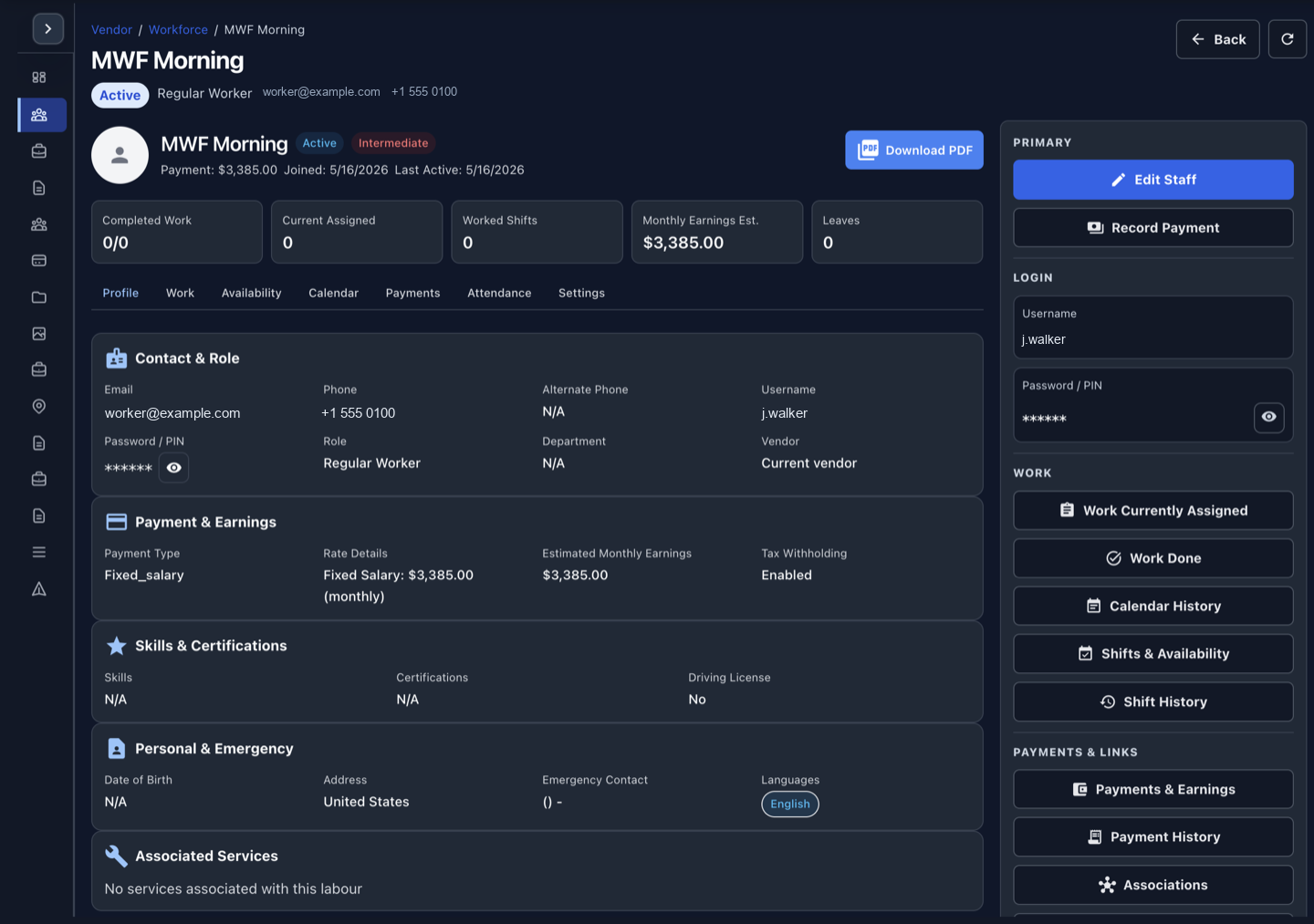
Field attendance software records worker presence and time against assigned service work. Servenzo links clock-in and clock-out, job status and work history to the relevant worker, schedule, site and contract.
What this workflow should improve
- See attendance in operational context
- Keep the worker and job history connected
- Investigate missing coverage faster
- Reduce separate attendance spreadsheets
Attendance should answer where the time belongs
A standalone timesheet shows hours. An operational record also shows the customer, site, contract and work those hours supported, which helps with coverage reviews and job costing context.
Use exceptions as the management view
Supervisors need to see missing, late or incomplete records quickly rather than scanning every normal shift. Servenzo's work-status views keep attention on coverage exceptions.
A practical workflow
- Assign the worker to a job or contract shift.
- The worker records attendance from the Android app.
- Status and time remain attached to the assignment.
- Supervisors review history by worker, job or period.
Scope: what this does not cover
Servenzo records operational attendance and work history. It does not replace country-specific payroll calculation, tax, overtime compliance or legal timekeeping advice.
Questions about attendance and time tracking
Can workers clock in and out on mobile?
Yes. The Android field worker app supports clock-in and clock-out against assigned work.
Can attendance be reviewed by job?
Yes. Attendance is connected to the worker and operational assignment rather than stored as an unrelated total.
Does Servenzo calculate payroll?
Servenzo is not positioned as payroll software. Use a specialist payroll system for statutory calculations and payments.